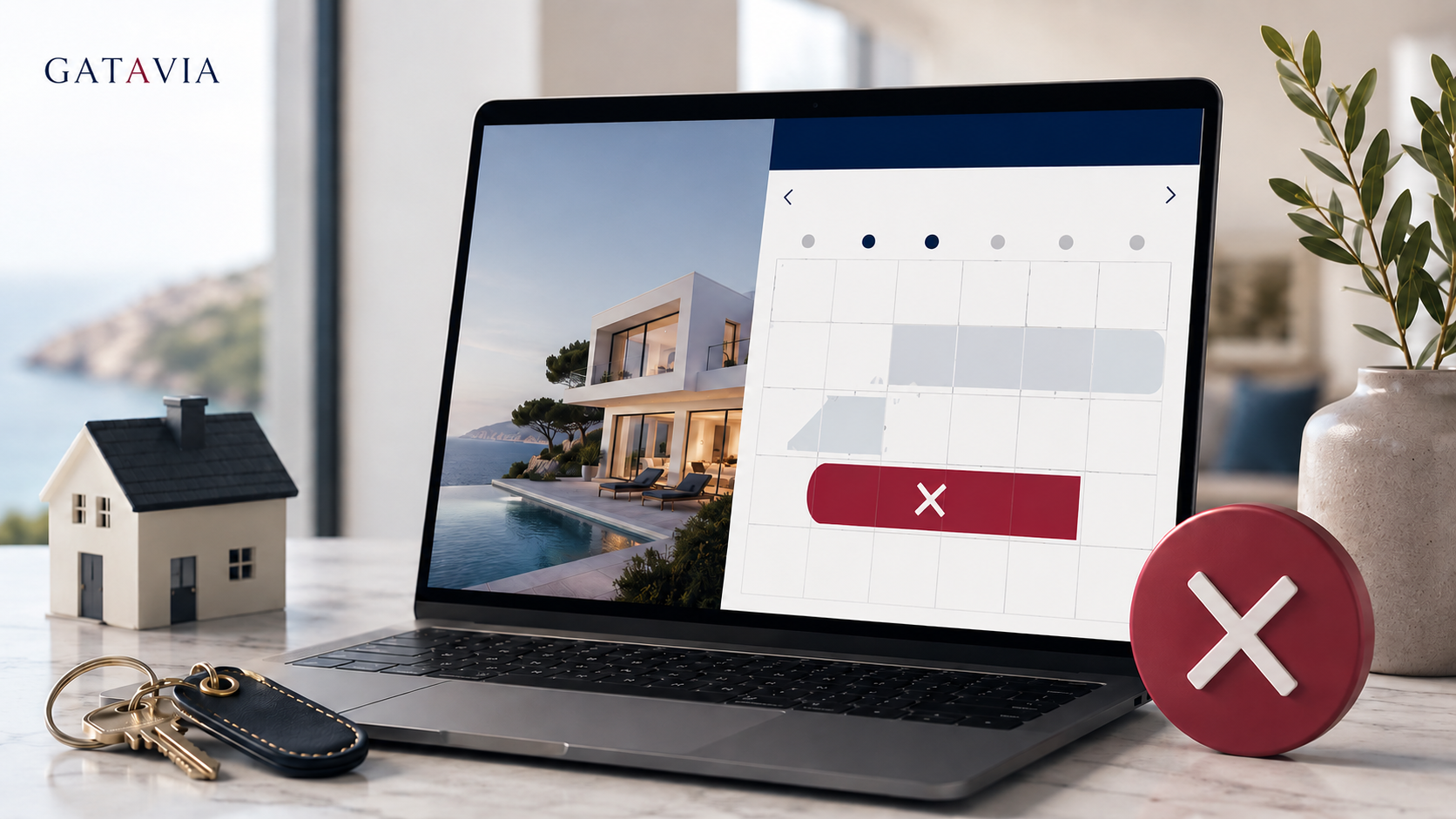
You open Booking and January appears closed. You click on a date and it says it’s blocked by Airbnb. You go to Airbnb. There’s no reservation.
And here comes the temptation: unlock everything and let it be what it will be.
No. First, you need to locate who is really sending that block.
A calendar can mark a date as unavailable for several reasons that are not an active reservation: availability rules, preparation time, notice period, minimum stay, or data received from a synchronized calendar. Airbnb allows you to click on a blocked night to check the reason.
Additionally, Airbnb automatically updates imported calendars approximately every three hours, although it allows you to request a manual update.
This means that the first task is not to unlock. It’s to find the source.
If Booking indicates “blocked by Airbnb,” check Airbnb. If Airbnb shows “synchronized calendar,” identify which imported calendar is causing the block. Do not assume that the label means there is an existing reservation today.
Airbnb explicitly explains that some nights may remain blocked due to availability adjustments even if there is no reservation.
In Airbnb: Calendar → Availability → connected calendars → imported calendar → Update.
Then check the date again.
Airbnb exports → Booking imports → Booking exports → Airbnb imports
A block that originated in A can return from B and appear as a new unavailability.
There’s no money to calculate here; you need to map the flow.
| Platform | Exports to | Imports from |
|---|---|---|
| Airbnb | Booking | Booking |
| Booking | Airbnb | Airbnb |
If there are cross connections, identify which should be the main source before touching anything.
Do not disconnect calendars and open everything at once.
If you are not absolutely certain that a date is free, keep it manually closed during the repair.
Because it is not an instant connection between systems. Airbnb indicates that its imported calendars are updated every three hours and that other sites may update at different times.
For a property with few reservations, this may be sufficient. When managing many channels or many properties, latency and the source of each block become increasingly important.
Never open a date just because “I don’t see any reservation.”
The right question is: Which system is ordering this date to remain closed?
When you find the source, you fix a connection. If you start unlocking dates without finding it, you may fix the calendar for five minutes and end up with a double booking for tomorrow.
Yes. It may be due to availability adjustments, preparation, notice period, minimum stay, or synchronized calendars.
Airbnb indicates that it performs automatic updates every three hours and allows for a manual update request.
Not as a first step. First, identify which connection generates the block and protect potentially occupied dates before rebuilding the link.
Sources: Airbnb Help Center: Calendar Synchronization and Reasons for Blocked Nights.
Related on Gatavia: channel manager vs manual management, PMS vs spreadsheet, and Airbnb or Booking: which is more profitable.
